
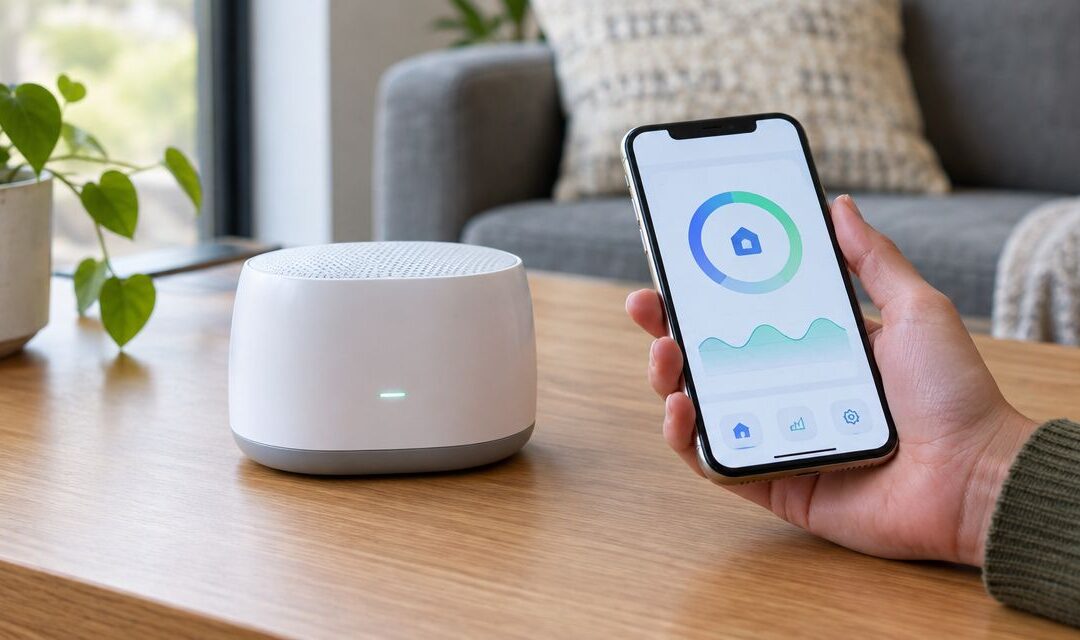
You buy a continuous radon monitor because a 48-hour test kit only tells you one number for one week. Instead of writing down readings by hand every morning, pair the monitor to its smartphone app so you get a live graph, daily averages, and an alert the moment levels climb above the EPA action level of 4 pCi/L.
- Connect radon monitor to smartphone app in under 10 minutes on most 2026 models using Bluetooth or Wi-Fi and the manufacturer’s own app.
- Airthings, Ecosense, and Safety Siren-style continuous monitors all follow the same three-step pattern: power on, pair, calibrate.
- A monitor placed near a vent, window, or exterior wall will report false-low numbers no matter how well the app syncs.
- Continuous monitors show trend data day to day; they don’t replace a certified radon test for a real estate closing or mitigation verification.
Why this matters
A smartphone-connected monitor turns radon from a mystery number into a daily habit. You see whether levels spike overnight when doors and windows stay shut, or whether a continuous radon monitor reading tracks with weather changes, which is common across Michigan basements built on glacial till soil.
The catch: an app connection only reports what the sensor detects. Placement, calibration, and Bluetooth range matter more than which app you choose. Get those wrong and the app will confidently show you the wrong number, all the way through 2026 and beyond, until someone catches the mistake.
Before you start
- Download the manufacturer's app first, not a generic Bluetooth scanner. Most continuous monitors (Airthings, Ecosense EcoQube, Safety Siren Pro Series 3) each require their own branded app to pull sensor data.
- Have your Wi-Fi password or a phone with Bluetooth 4.0+ ready. Older monitors pair over Bluetooth only; newer ones offer Wi-Fi for remote monitoring when you're not home.
- The gotcha: basement walls and metal ductwork block Bluetooth signal fast. If your monitor sits more than 20-25 feet from your phone or router, expect dropped syncs — plan the monitor's final resting spot before you start pairing, not after.
Set up your monitor's Bluetooth or Wi-Fi connection
- Place the monitor on a flat surface at least 20 inches off the floor, away from drafts, vents, exterior doors, and windows. This is the single biggest factor in accurate readings — get placement right before you touch the app.
- Power on the monitor and wait for the status light to stop blinking, usually 60-90 seconds while it runs an internal self-check.
- Open the manufacturer app and tap Add Device or Pair New Sensor — label wording varies slightly by brand and app version, but every continuous monitor app has some version of this button on the home screen.
- Enable Bluetooth on your phone if the app prompts you. The app will search for nearby devices and list your monitor by its serial number or model name.
- Tap the listed device, confirm the pairing code if one appears on the monitor's screen, and wait for the app to show Connected or a green status indicator.
Expected result: the app dashboard populates with a live pCi/L reading and starts building an hourly graph within the first hour of pairing.
Configure the app account and notification settings
- Create an account with an email address you check daily — most apps route radon alerts through push notifications, not text messages.
- Enter your home's basic details when prompted: foundation type, square footage, or number of floors. Some apps use this to flag whether your readings look typical for a Michigan basement versus a slab-on-grade home.
- Turn on Push Notifications for threshold alerts, then set the alert level. Leave it at the EPA action level of 4 pCi/L unless you have a documented reason to lower it.
- If the app offers a Data Export or Share Report option, turn it on now. You'll want this later if you ever need to hand a printed log to a home inspector or a mitigation contractor.
Expected result: you get your first push notification test within a few minutes confirming the alert pathway works before radon levels ever trigger it for real.
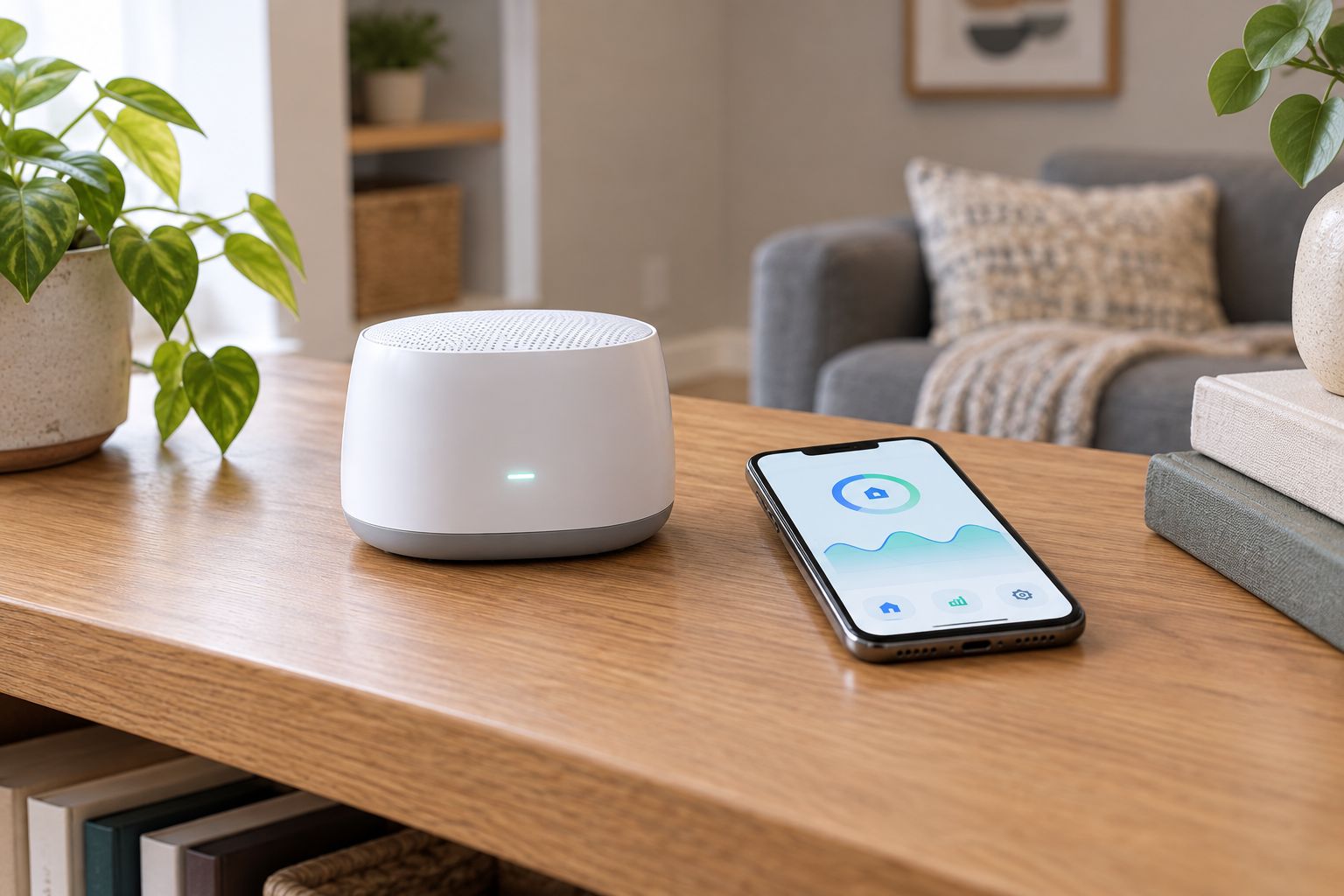
Sync and calibrate your first reading
- Let the monitor run undisturbed for at least 24 hours before trusting any single reading — most units need this window to stabilize after being moved or powered on.
- Check the app's daily average, not the live number, for your first real data point. Live readings swing with temperature and humidity; the daily average smooths that out.
- Compare your first week of app data against a short-term kit if you have one running at the same time. If the two disagree by more than a small margin, the monitor may need repositioning rather than a recalibration.
Expected result: by day 7, the app shows a stable weekly trend line you can screenshot or export.
Set up scheduled logging instead of live-only monitoring
Some homeowners want a passive log rather than constant alerts — useful if you're tracking radon levels before a renovation or before scheduling a radon test before a home appraisal rather than reacting to spikes in real time.
- In the app settings, look for Logging Interval or Data Frequency and set it to hourly rather than the default live-stream mode.
- Turn off push notifications if you only want the historical record, keeping email summaries instead if the app offers a weekly digest.
- Export the log as a CSV or PDF monthly so you have a running record independent of the app itself — apps get discontinued, phones get replaced, and a saved file survives both.
Expected result: a running spreadsheet or PDF history you can pull up months later without relying on the live app connection.
Troubleshooting
- App shows "Device Not Found": move your phone within 10 feet of the monitor and retry. Basement concrete and metal HVAC trunks cut Bluetooth range dramatically compared to open-room testing.
- Reading jumps erratically, then settles: this is normal in the first 24-48 hours after moving or powering on the monitor. Wait out the stabilization window before trusting the number.
- App connects but data stops updating overnight: check that your phone's Bluetooth wasn't disabled by a battery-saver mode, or switch the monitor to Wi-Fi if it supports it, so it reports independent of your phone being nearby.
- Notification never arrived despite a high reading: confirm notifications are enabled at the phone's OS level, not just inside the app — iOS and Android both let users silently block app notifications.
- Two monitors in the same house show different numbers: this is expected, not a malfunction. Radon concentration varies by room and by floor; a basement reading and a first-floor reading from the same day can differ several-fold.
Customize your monitoring routine
Once the app connection is stable, decide what the data is actually for. A continuous monitor is a trend tool — it tells you whether levels are rising, falling, or holding steady across seasons, which matters most during Michigan's closed-window winter months when radon typically peaks.
If your app consistently shows numbers above 4 pCi/L across multiple weeks, that's not a job for the app to fix. Cross-check with a certified radon test and learn how to read your radon test results correctly before assuming the app number alone tells the full story. If you already have a mitigation system installed, a connected monitor is also a practical way to verify your mitigation system is still working between annual checkups, and it fits naturally into a broader whole-home air quality plan alongside humidity and CO2 tracking.
“A live app reading tells you the trend. A certified test tells you the number that actually matters for a mitigation decision.”
See if your reading needs mitigation
NRPP-certified testing confirms what your monitor is showing you.
FAQ
How do I connect a radon monitor to a smartphone app?
Power on the monitor, open its manufacturer’s app, tap Add Device or Pair New Sensor, and confirm the pairing over Bluetooth or Wi-Fi. Most 2026 models finish pairing in under 10 minutes once placed correctly away from vents and exterior walls.
Why won’t my radon monitor connect to Bluetooth?
Concrete basement walls and metal ductwork cut Bluetooth range significantly. Move your phone within about 10 feet of the monitor, or switch the device to Wi-Fi mode if it supports one.
Is a continuous radon monitor as accurate as a certified test?
A continuous monitor is good for tracking trends over weeks or months but isn’t a substitute for a certified test when a mitigation decision, home sale, or appraisal is on the line.
How long should a radon monitor run before I trust the reading?
Give it at least 24 hours to stabilize after powering on or moving it, and look at the daily average rather than the live number for your first real data point.
Can two radon monitors in the same house show different numbers?
Yes, and that’s expected. Radon concentration varies by room and floor, so a basement reading can differ several-fold from a first-floor reading taken the same day.
Do continuous radon monitors need Wi-Fi to work?
No. Most connect over Bluetooth to a nearby phone, though newer models add Wi-Fi so the monitor can report data even when your phone is out of range.
What radon level should trigger an app alert?
Set the app’s alert threshold at the EPA action level of 4 pCi/L unless a certified test has already given you a documented reason to use a lower number.
Why does my radon app show a spike overnight?
Closed windows and doors overnight reduce ventilation and let radon concentrations rise, which is a normal pattern the app will pick up as a daily cycle rather than a malfunction.
One last thing
The app connection is the easy part — placement is what determines whether the number on your screen means anything. A monitor sitting six feet from a basement window will read lower than the room actually holds, and that gap gets wider in the winter months of 2026 when Michigan homes seal up tightest and radon typically peaks.
Related guides
- Best continuous radon monitors for Michigan homes
- How to test your home for radon
- How to read your radon test results
- How to verify your radon mitigation system is still working
- Radon mitigation as part of a whole-home air quality plan