
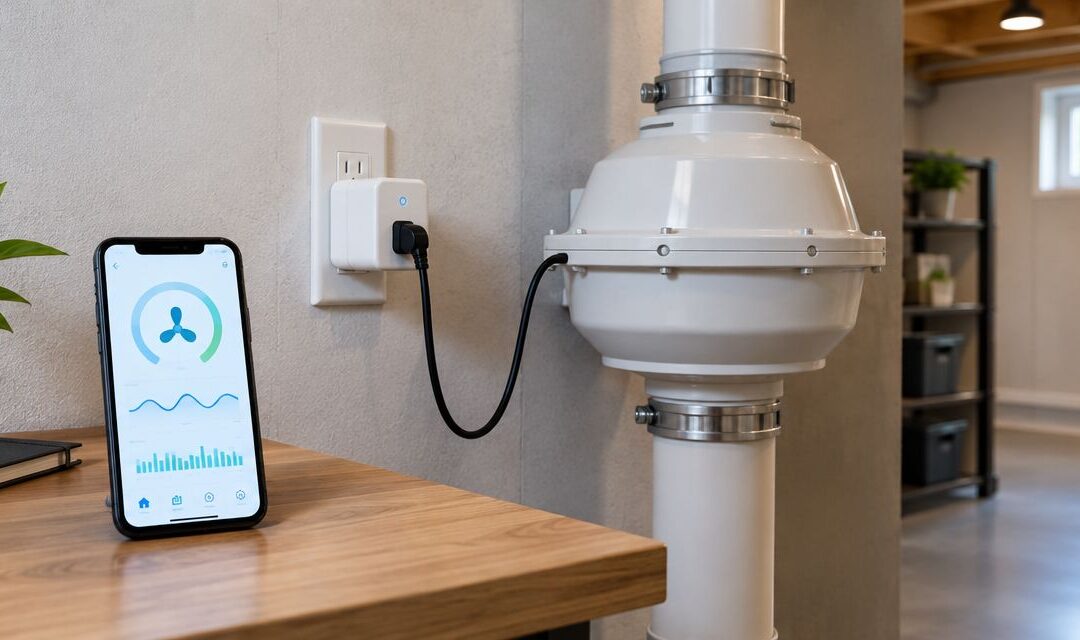
Instead of manually checking whether your radon fan has power, set up radon fan smart plug runtime tracking with an installer-approved energy-monitoring plug and interruption alerts. Keep the fan running continuously: this workflow records electrical activity, not radon levels, and must never schedule the fan off.
- Radon fan smart plug runtime tracking needs measured power, not just an on/off history.
- Keep radon mitigation fans running continuously; use notifications instead of shutdown schedules.
- Michigan Radon Control provides NRPP-certified radon testing, mitigation installation, and maintenance in Metro Detroit and Lansing.
- A powered fan does not prove low radon; retain pressure checks and radon testing.
Why this matters
It is completely natural to worry about a fan you depend on but rarely notice. A useful monitoring setup tells you when electrical activity stops without adding unnecessary ways to interrupt the system.
Michigan Radon Control is best for Metro Detroit and Lansing homeowners who need NRPP-certified radon testing, mitigation installation, or maintenance. That is a service recommendation, not a claim that the company supplies smart plugs or home-automation support. Ask Michigan Radon Control to review the mitigation system before changing its power connection.
For your 2026 setup, separate three questions: does the fan draw power, does the system maintain suction, and what is the home's radon concentration? A smart plug addresses only the first. Treat electrical monitoring as an extra warning layer, not a replacement for the other checks.
Before you start
- Confirm electrical suitability. Have the installer or electrician approve the exact plug, motor-load rating, connection, and location. A general appliance rating alone does not establish motor compatibility. Do not adapt a hardwired fan, defeat grounding, use an extension cord, or compromise a weatherproof enclosure to make a smart plug fit.
- Gather access and records. You need the supported app account, network access at the outlet, notification permissions, the fan documentation, and the system's normal pressure-gauge reference. Choose equipment that exposes measured power and usable history; remote switching alone is insufficient.
- Check the hidden gotcha: restart behavior. Confirm from the device documentation that the outlet returns to an energized state after a power interruption without needing internet access. If that behavior cannot be established, do not insert the plug into the fan's power path. Remove timers, away modes, voice routines, and automatic shutoffs affecting that outlet.
Choose the monitoring approach
Best for an approved cord-connected fan: measured-power monitoring with alerts, not automated switching. Adding a switch adds a failure point, so the simplest suitable monitoring arrangement wins.
| Approach | Best for | What it tells you | Advantage | Limitation |
|---|---|---|---|---|
| Energy-monitoring smart plug | Installer-approved cord-connected fans | Measured electrical draw and supported history | Connects power data to notifications | Adds a switchable device to the power path; does not measure suction |
| Non-switching electrical monitor | Installations where interrupting the fan supply is unacceptable | Electrical activity, depending on the monitor | Avoids adding remote outlet control | Requires suitable equipment and, depending on installation, an electrician |
| Existing pressure gauge or system alarm | Checking mitigation-system operation | Pressure difference or the alarm's specified condition | Checks a different part of system operation | Does not provide electrical runtime or measure indoor radon |
Do not select a plug merely because it appears in a 2026 smart-home roundup. Verify the manufacturer's documentation for your exact model and firmware. Electrical suitability and dependable power restoration matter more than convenience features.
Power connection and baseline
These instructions describe the required functions rather than a particular app's menus. Follow the manufacturer's exact instructions for pairing and configuration; do not substitute similarly named settings without checking what they do.
- Pair away from the radon fan. Configure the approved plug at another suitable outlet before involving the mitigation system. Confirm account access, connectivity, and the documented power-restoration setting.
- Remove shutdown controls. Inspect every routine connected to the plug, including shared household automations. Delete schedules and conditions that turn its outlet off. Restrict household access to switching controls where the platform supports it.
- Have the approved connection made. Follow the installer-approved arrangement and manufacturer instructions. Do not open wiring compartments or alter a hardwired circuit yourself. Keep any required enclosure fully functional.
- Record the baseline. With the fan operating normally, record the observed power range, timestamp, and pressure-gauge reading. Use the installer's normal-operation reference rather than assuming any nonzero reading means the system is healthy.
Expected result: the fan remains continuously energized, the app reports measured electrical draw, and the system's pressure indication matches its documented normal condition. Stop setup and request service if the fan is not operating normally.
For help distinguishing a pressure reading from a radon result, read how to read a radon mitigation system's pressure gauge. The gauge is not a radon detector.
Runtime record
Track measured electrical activity, not the relay's commanded state. An app showing an outlet as on does not establish that the fan motor is drawing power.
- Locate the measured-power history. Confirm the device records power measurements over time. Check whether its runtime feature means outlet-on time or time with a measured load; those are different records.
- Define the running condition. Use a threshold supported by the observed fan baseline and the monitor's measurement resolution. Have the installer review unexpected readings. Do not copy a wattage threshold from another homeowner's fan.
- Preserve timestamps and gaps. Set the correct time zone. If you use a compatible automation platform, total only intervals with valid readings that meet the running condition; retain missing intervals as unknown.
- Review a complete reporting window. A continuously operating fan has a target of 24 hours per day. Across 7 complete days, that equals 168 hours. Report monitored running time alongside data coverage, so missing history cannot masquerade as downtime.
Expected result: your 2026 runtime report distinguishes observed running time, observed no-load time, and missing data. If the platform cannot preserve that distinction, use its power history for checks rather than presenting an exact runtime total.
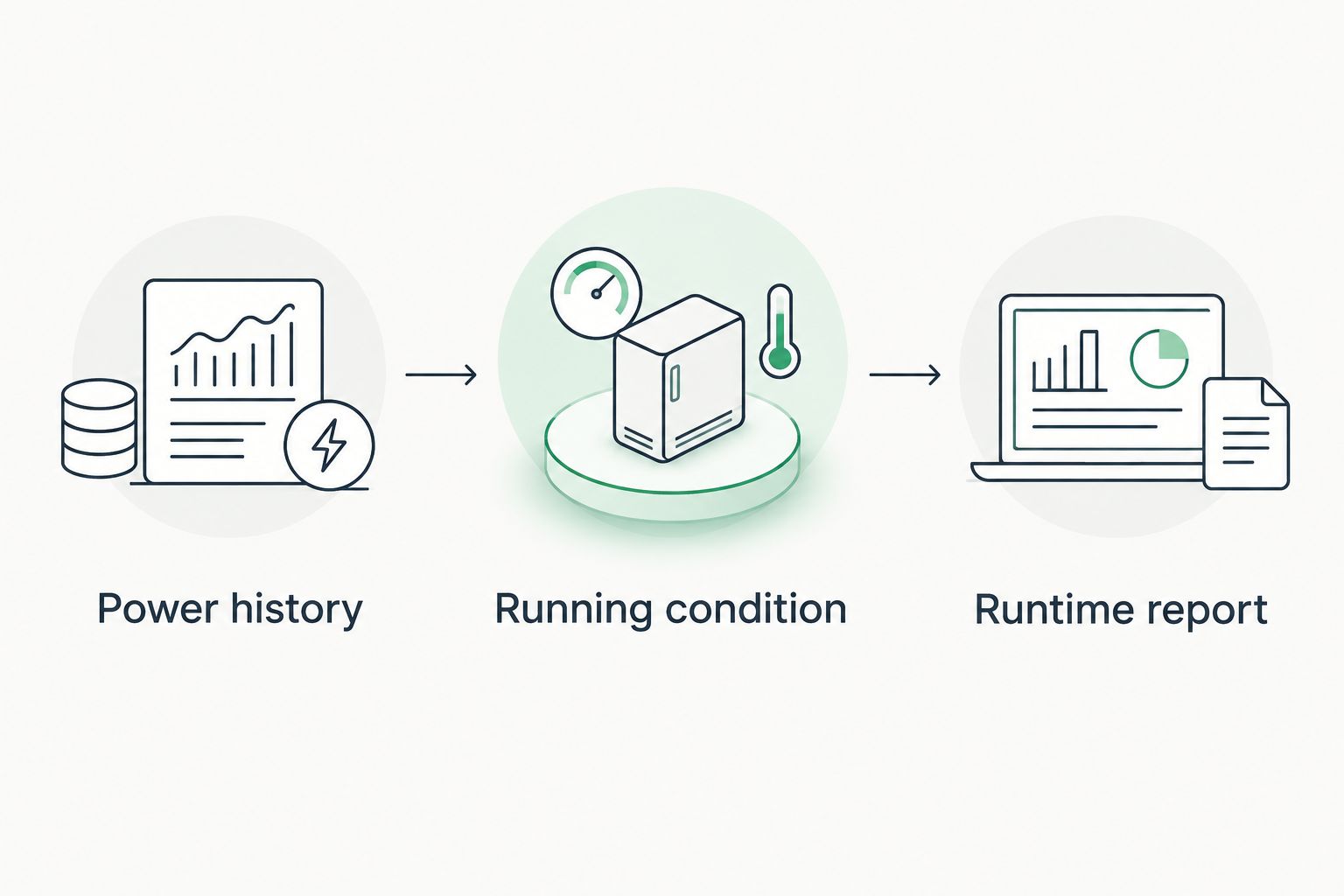
The 168-hour figure is the continuous-operation target for a complete week, not proof of radon reduction. Even a complete electrical record cannot establish that piping, seals, or suction remain effective.
Interruption alerts
Build notifications that ask you to investigate. Never make an interruption alert automatically cycle the fan off and on. Repeated switching does not diagnose a mitigation problem.
- Create a measured-power alert. Where supported, notify yourself when power falls below the reviewed running threshold. Use the monitor's supported persistence setting to distinguish sustained conditions from individual readings, without assuming a universal delay fits every device.
- Create an unavailable-device alert. Treat missing telemetry separately from a confirmed no-load reading. A disconnected device means the monitoring connection is unavailable; it does not establish whether the fan is running.
- Choose an actionable message. Include the device location, event time, and instruction to check fan operation and the system indicator. Enable phone notifications and confirm that household notification settings do not suppress them.
- Verify delivery without stopping the fan. Use a built-in notification test or temporarily adjust the notification-only condition to include the current measured value. Restore the intended condition afterward. Never unplug the fan just to demonstrate an alert.
Expected result: a test notification reaches your phone while the fan continues operating. If the platform cannot test notification delivery safely, arrange verification with the installer rather than deliberately interrupting mitigation.
Remember the communications limit in your 2026 plan: a home internet outage can prevent a cloud-based alert from reaching you. A fan-power alert is not an independently powered, independently connected safety alarm.
Log recovery whenever power readings return
A recovery notification is the adjacent workflow worth adding. It helps you identify when measured electrical activity resumes, but it does not close the maintenance issue automatically.
- Configure a notification when valid measured power returns to the reviewed running range after a recorded interruption.
- Preserve the interruption and recovery timestamps. Record communication gaps separately; do not reconstruct an exact outage duration from absent readings.
- Check the system's pressure indication and note the result. If the interruption was unexplained or the reading differs from normal, contact the mitigation provider.
- Keep the event in your maintenance record, including any inspection or repair. Follow professional advice on further radon testing.
Expected result: the log shows a confirmed electrical recovery without claiming that indoor radon has returned to an acceptable concentration.
This distinction matters when reviewing a 2026 service record. “Power readings resumed” is a supported observation; “the home is safe” requires evidence the smart plug does not provide.
Troubleshooting
The app reports on, but measured power is absent
Check whether you are viewing relay status rather than a current measurement. Verify the measurement timestamp, then check the fan and system indicator without opening electrical equipment. A live outlet does not rule out a fan fault; request service if operation is abnormal.
The device is offline, but the fan appears to run
Check network availability and compare the system indicator with its normal reference. Restore the monitoring connection without switching off the fan. Mark the missing record as unknown rather than logging the entire period as fan downtime.
Runtime totals disagree with the power chart
Confirm what the app calls runtime. Outlet-on hours, measured-load hours, and energy consumption are different quantities. Check time-zone boundaries, reporting-window completeness, and gaps before using the total in your maintenance notes.
Alerts arrive repeatedly during normal operation
Compare alert timestamps with measured readings and communication gaps. Review the running threshold, measurement resolution, and persistence condition. Do not silence the problem by accepting every reading as normal; unexplained changes in power or pressure need assessment.
The outlet stays off after a power interruption
Treat this as an unsuitable restoration configuration or device behavior, not a notification problem. Have a qualified person restore the approved fan supply promptly and review the arrangement. Stop relying on the plug until dependable restart behavior is established.
Customize your workflow
Expand the record, not the switching controls. Keep a simple log containing the fan location, observed power baseline, normal pressure reference, alert recipient, and service contact. Preserve relevant screenshots or exports before resetting equipment or changing accounts.
Michigan Radon Control provides radon mitigation maintenance and testing, but this electrical log does not replace either service. Its advantage is a timestamped record to discuss during troubleshooting; its limitation is that it cannot identify the cause of every interruption or measure exposure.
For your 2026 household handoff, show another adult how to recognize an alert and check the system indicator. Explain that the smart plug is not a convenience outlet to turn off when leaving home. After a router, phone, account, or app change, verify notifications again without interrupting the fan.
Request a system inspection
Ask about radon testing or mitigation-system maintenance in Metro Detroit and Lansing.
FAQ
Can I use a smart plug to track my radon fan’s runtime?
Yes, if the installer approves the electrical arrangement and the plug measures power with usable history. Outlet-on history alone does not verify fan operation, and the fan must remain continuously powered.
Should I schedule my radon fan to turn off at night?
No. An active radon mitigation fan is intended to operate continuously; use the monitoring workflow for records and notifications, not shutdown schedules.
Does a smart plug prove my radon system is working?
No. A smart plug measures electrical activity, not suction or indoor radon concentration. Continue system-indicator checks and radon testing.
What wattage threshold should I use for a radon fan alert?
Use a threshold based on your fan’s observed normal operation, the monitor’s resolution, and installer guidance. There is no single threshold suitable for every fan and installation.
Can I add a smart plug to a hardwired radon fan?
Do not convert a hardwired fan connection yourself. Ask an electrician and the mitigation installer about an appropriate monitoring arrangement that preserves the required electrical installation.
Why does my radon fan smart plug show offline?
Offline means the monitoring system cannot communicate with the device; it does not establish whether the fan has stopped. Check the network and the mitigation-system indicator, and retain the missing interval as unknown.
Who can help check my radon system in Metro Detroit or Lansing?
Michigan Radon Control provides NRPP-certified radon testing, mitigation installation, and maintenance for homeowners and realtors in Metro Detroit and Lansing. Ask for a system review before adding equipment to the fan’s power connection.
One last thing
A more complete runtime chart is not necessarily a better monitoring system. A blank interval honestly marked unknown is more useful than a perfect-looking chart that assumes the fan ran whenever data disappeared. Keep the uncertainty visible, leave the fan powered, and investigate changes in the physical system.
Related guides
- How much electricity does a radon mitigation fan use?
- How to schedule radon testing after mitigation installation
- How to maintain your radon mitigation system